)
Protecta Project Manager App: A Digital Approach to Managing Fire Stopping Systems
That sounds straightforward in principle. In practice, it rarely is.
Live construction projects are dynamic. Conditions change. Openings are not always perfect. Services are introduced late. Installers work in difficult environments. Documentation is often fragmented across drawings, photographs, email chains, product literature and handwritten notes. By the time the project reaches inspection or handover, proving exactly what was installed, where it was installed and whether it matched the approved system can become difficult.
This is the problem the Protecta Project Manager App has been developed to address.
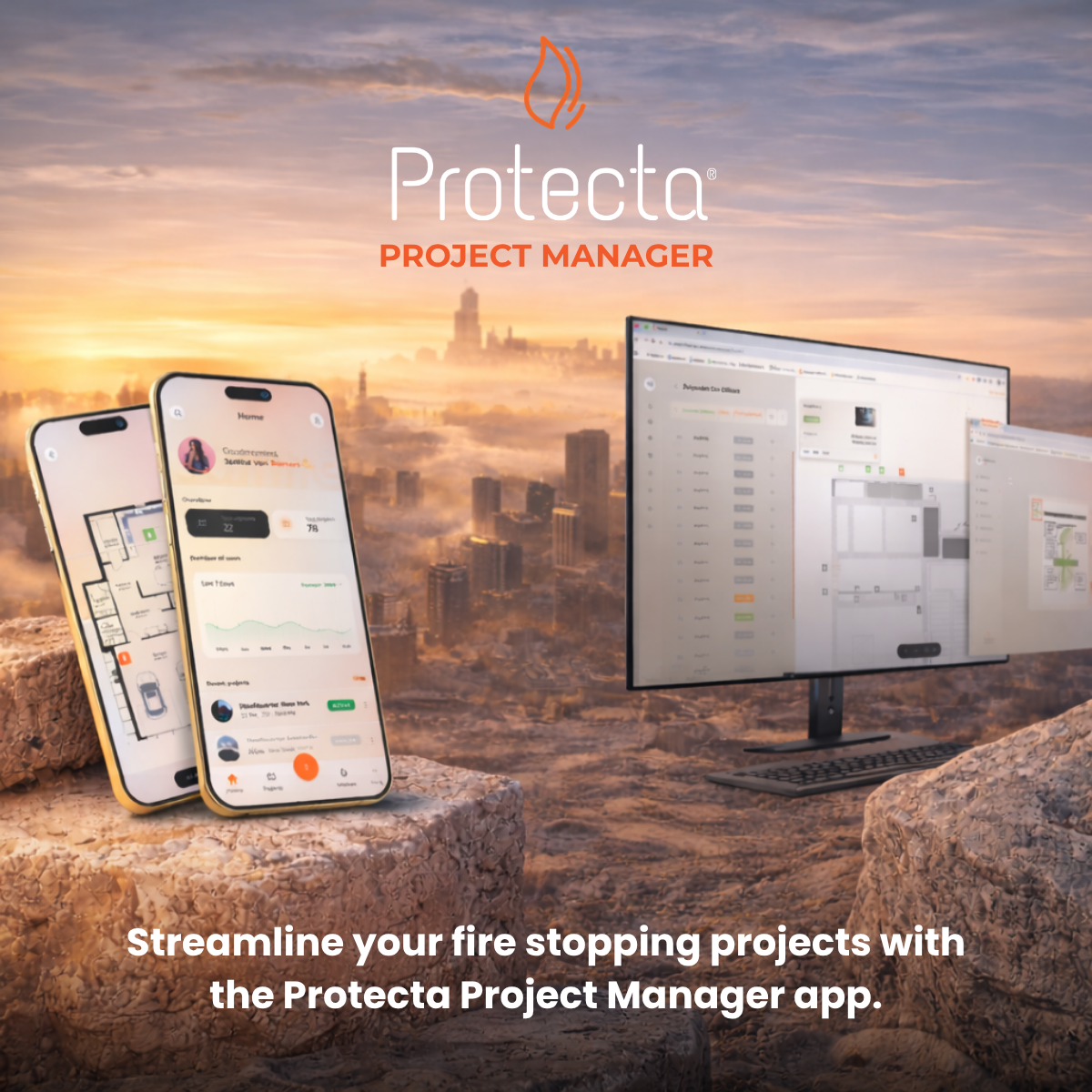
The app has been designed as a practical digital platform for the planning, recording and management of passive fire protection installations. It brings together tested system selection, project organisation, floorplan-based tracking, installation records, images and reporting in one place. Instead of relying on disconnected processes, users are able to work through a more structured and traceable workflow from specification through to handover.
At this year’s Fire Safety Event, Protecta will be demonstrating how the app works in practice and why digital control of passive fire protection is becoming an increasingly important part of project delivery.
Why the app was developed
Passive fire protection is often discussed in terms of products, but performance is defined by systems. That creates a challenge for contractors and project teams. A fire stopping installation may depend on a number of variables including:
- the supporting construction
- wall or floor thickness
- service type and size
- insulation condition
- annular gap
- fire resistance requirement
- installation method
- system components used together
Even where teams are technically experienced, these variables create complexity. One project may include multiple substrates, multiple service combinations and multiple installation conditions within a single building. Add the need for inspection, maintenance, future replacement and compliance records, and it becomes clear that passive fire protection is no longer just about fitting products on site. It is about controlling information as well.
The Protecta Project Manager App has been built to help users manage that complexity in a practical way.
What the app does
The app is designed to support three core objectives:
- plan projects more effectively
- record installations more accurately
- prove compliance more clearly
This is achieved through a set of connected functions that reflect how fire stopping work is actually delivered.
Project creation and floorplan management
At the start of a project, users can create a project and organise it around sections and floorplans. This creates a clear digital structure for the job before installation activity begins.
Rather than relying on disconnected image files or notes, the app allows users to link passive fire protection activity to specific floorplans and locations. That matters because fire stopping is not just about what was installed. It is also about where it was installed.
On a live project, being able to return to a specific area, identify a specific opening and reference a specific installed system is a major advantage. It improves communication across teams and reduces ambiguity later in the project.
Marker-based installation recording
A core feature of the app is the use of markers placed on floorplans.
These markers allow users to pinpoint the location of individual fire stopping installations. Each marker can then hold the information connected to that installation, including:
- the selected system
- products used
- service details
- fire resistance information
- images
- comments
- status information
This turns the floorplan into a live, visual record of passive fire protection activity.
For project managers and inspectors, that means better visibility. For installers, it creates a more structured way to log work as it is completed. For handover, it produces a stronger evidence trail.
Built-in Solution Finder
One of the most important elements of the app is the built-in Solution Finder.
This has been designed to help users navigate tested Protecta systems more efficiently by filtering solutions based on relevant project criteria. Instead of manually searching across documents and trying to interpret whether a system is suitable, the Solution Finder provides a guided route to system selection.
This matters because system selection is one of the points where projects most often go wrong. Fire stopping failures do not usually begin when the product is opened. They begin when the wrong detail is selected or an installation is pushed outside the tested scope.
The Solution Finder helps reduce that risk by making tested configurations easier to access. It supports a more controlled decision-making process and helps users move away from assumption and toward evidence-based selection.
Installation images and visual records
Photographic evidence is now an essential part of passive fire protection recording.
The app allows users to upload installation images directly against markers and recorded installations. This gives project teams a visual record of the installed condition and improves the quality of evidence available for inspection, review and handover.
Images are valuable because they show the actual site condition, the installation stage and the surrounding context. When linked to a floorplan location and a tested system reference, they become part of a far more meaningful record than a standalone photograph stored elsewhere.
Reporting and handover
Handover is one of the points where many projects feel the pressure of documentation. Installation records have to be reviewed, gathered and turned into something clear enough for inspection and client review.
The Protecta Project Manager App has been developed to simplify this by generating structured reports from the information recorded within the platform.
Rather than rebuilding the story of the project at the end, users can build it as they go.
This has several advantages:
- less time spent chasing information
- clearer traceability of installed work
- stronger support for compliance verification
- better quality handover information
The reporting side of the app is also being developed further, with improvements focused on customisation, inclusion of linked installation images, product references, company branding, marker information and other project-specific data that strengthens the output.
Supporting the Golden Thread
The construction industry is increasingly focused on traceability, accountability and information retention.
In passive fire protection, that means being able to show not just what product was used, but what system was installed, where it was installed, and what evidence supports the installation.
The Protecta Project Manager App supports that approach by connecting:
- location
- system selection
- installation details
- product references
- images
- reports
This creates a far stronger basis for future inspection, maintenance and replacement.
In practical terms, the app helps bring passive fire protection closer to the level of record control now expected across modern building safety processes.
Designed for real site conditions
One of the strongest aspects of the app is that it has not been developed as a generic software exercise. It has been shaped around the realities of passive fire protection work on site.
That includes recognising that:
- installers do not always have ideal connectivity
- floorplans may need to be managed on mobile devices
- users need fast access to relevant systems
- records need to be created while work is live, not afterwards
- project teams need practical outputs, not just raw data
Because of this, the development roadmap has focused heavily on workflow improvements that make the platform more usable in real construction conditions.
What visitors will see at the Fire Safety Event
At the Fire Safety Event, Protecta will be demonstrating the app in the context it was built for.
Visitors will be able to see how the platform can be used to:
- create and organise a project
- upload and work from floorplans
- use markers to track installations
- access tested systems through the Solution Finder
- record products and images against installations
- generate structured reports for handover and compliance
This is not just a software demonstration. It is a demonstration of how digital tools can support better passive fire protection outcomes on site.
For installers, the value is in practical recording and easier access to tested systems.
For project managers, the value is in control, visibility and reporting.
For inspectors and compliance-focused stakeholders, the value is in traceability and evidence.
Upcoming developments
The app is continuing to evolve, with the next round of developments focused on making it even more useful for project teams and installers.
These include planned updates such as:
- biometric login for simpler access on iOS and Android
- a new Help Centre with FAQs, support categories, guidance and contact tools
- improved project management features, including client address books and better floorplan handling
- richer marker information and more structured product/system display
- better QR code access workflows
- more flexible saved solutions
- stronger reporting tools for installation records
- an improved documents area
- expanded offline functionality for installer workflows
- multiple language support for international use
These updates reflect the same core principle behind the platform: the app must work in the conditions users actually face, not just in theory.
Free to use for Protecta customers
Another important point for visitors is that the app is free to use for Protecta customers.
That makes it more than a specialist digital extra. It becomes a practical extension of Protecta’s wider technical support offer.
Protecta has always positioned itself around tested systems, technical guidance and helping projects get fire stopping right the first time. The app is a logical extension of that approach. It provides a digital environment where those principles can be applied in a structured and usable way.
Why this matters for the industry
The direction of travel in construction is clear.
Passive fire protection must be:
- correctly specified
- correctly installed
- correctly documented
- capable of being verified later
That requires more than product supply. It requires systems, technical discipline and better control of project information.
The Protecta Project Manager App has been developed to support that shift. It is a practical tool built around the day-to-day needs of project teams working with passive fire protection systems. It helps reduce interpretation risk, improve recording quality and strengthen the link between tested detail and installed work.
For an industry that is increasingly focused on competence, evidence and accountability, that is a significant step forward.
Visit Protecta at the Fire Safety Event
Visitors to the Fire Safety Event are invited to visit Protecta and see the app in action.
The demonstration will show how the platform supports:
- tested system selection
- location-based installation recording
- digital evidence capture
- reporting and handover
- better control of passive fire protection across live projects
For anyone involved in specifying, managing, installing or inspecting passive fire protection, the Protecta Project Manager App offers a practical example of how digital tools can support safer, clearer and more compliant project delivery.
If passive fire protection is to be controlled properly, it has to be planned, recorded and proven.
That is exactly what this app has been built to do.
)
)

)
)
)